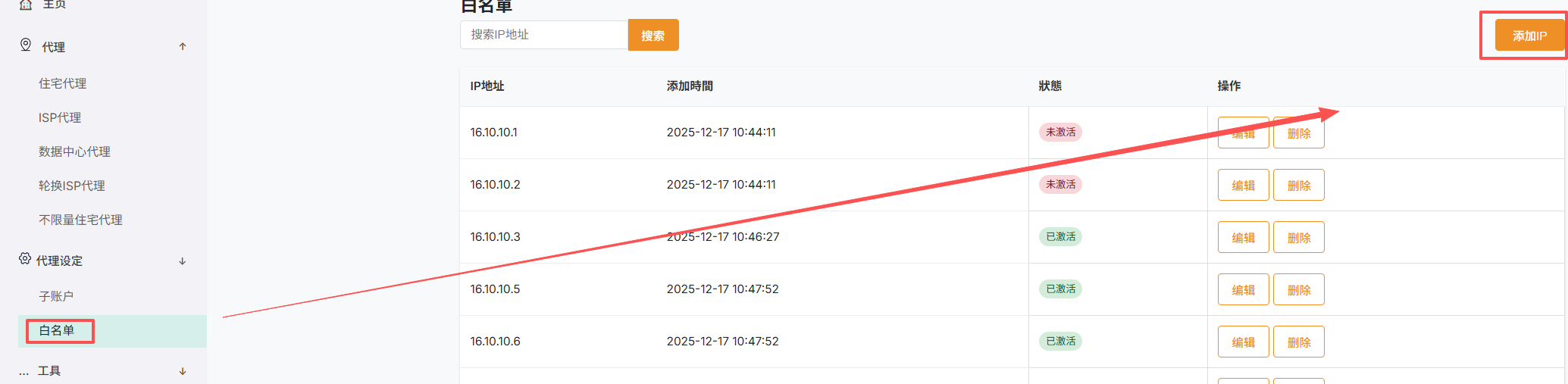
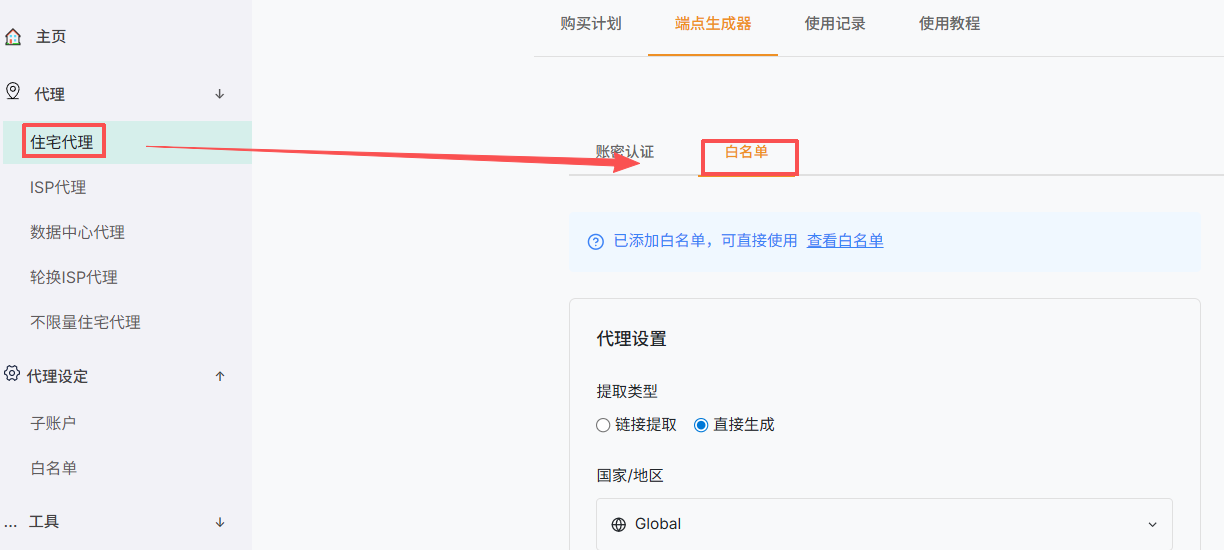
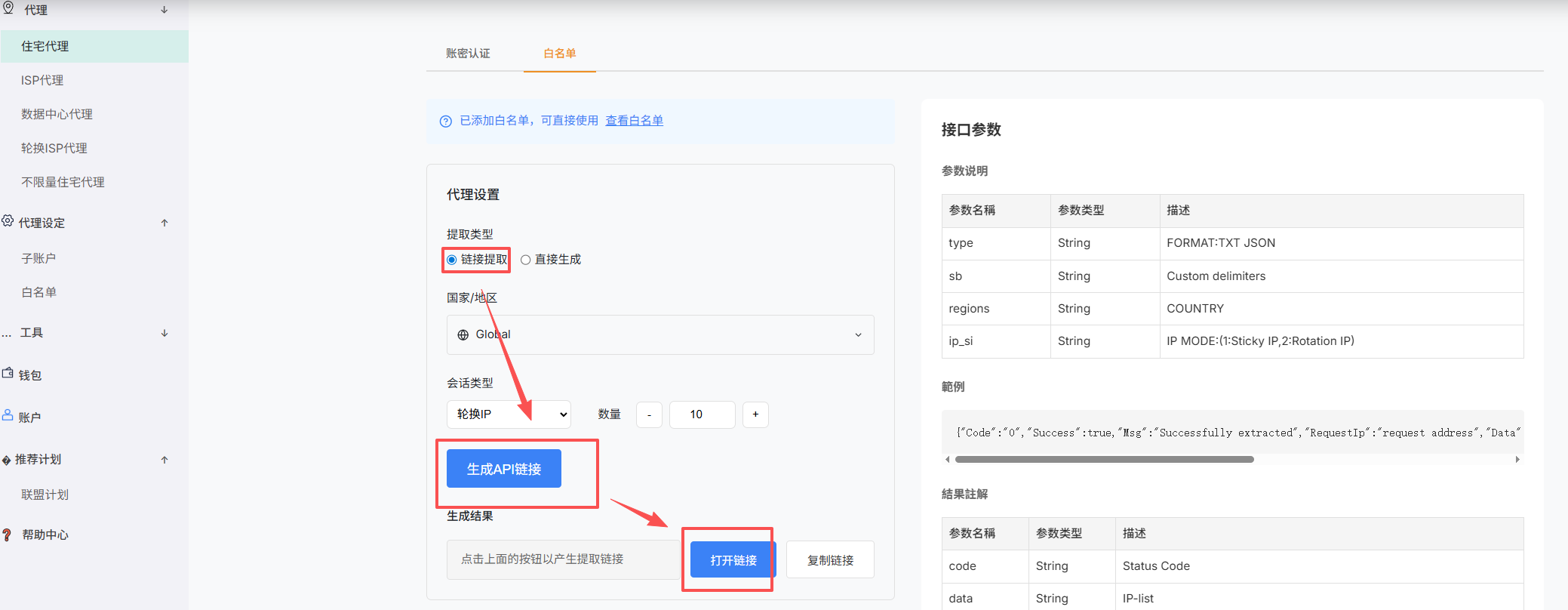
When API extraction is available on the product page, generate an extraction URL there and use it to retrieve currently available proxy connection details.
Key points
- Choose the location, protocol, output format, quantity, and other available options.
- Generate the API extraction URL and copy the complete URL produced by the page.
- Request that URL from your application or command line and parse the selected output format.
- Generate a new URL after changing security or extraction settings.
Note: API extraction URLs may contain sensitive parameters. Do not share them publicly.
Screenshots