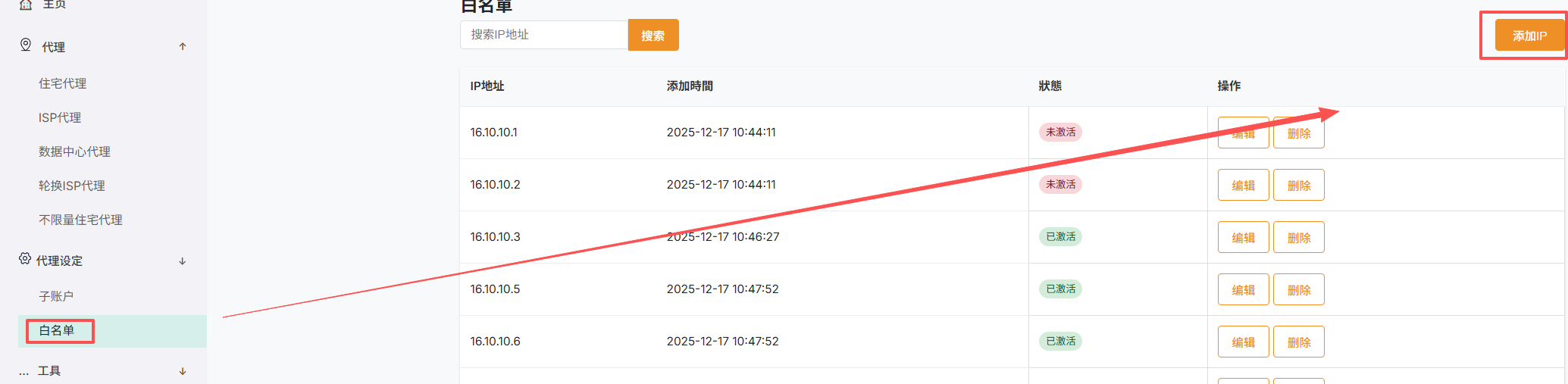
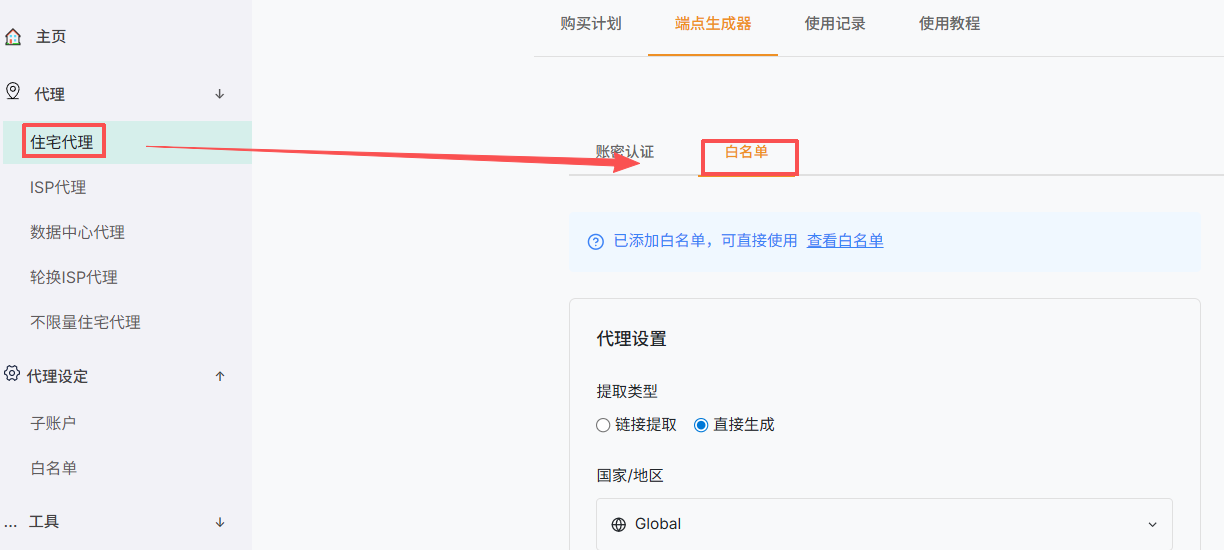
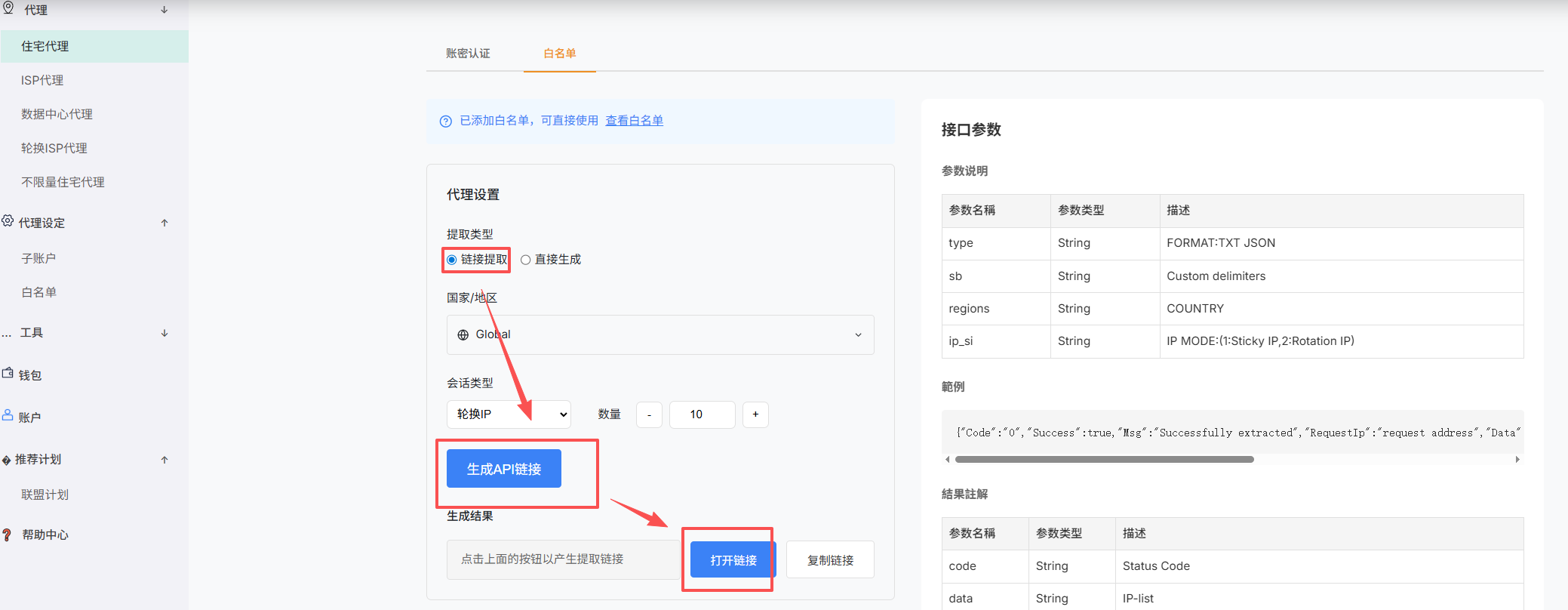
An API extraction URL retrieves proxy connection details using the location, protocol, and rotation settings currently selected on the page.
Key points
- Complete all required options on the Dynamic Mobile Proxy page.
- Generate and copy the API extraction URL.
- Request the complete URL from your application and parse the returned format.
- Generate a new URL after changing parameters or security settings.
Note: Respect extraction limits and keep the URL secure.
Screenshots