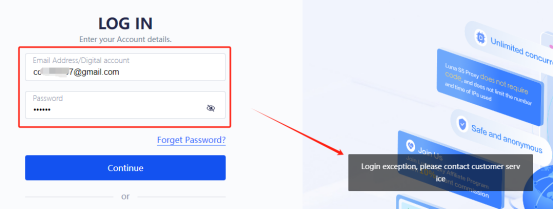
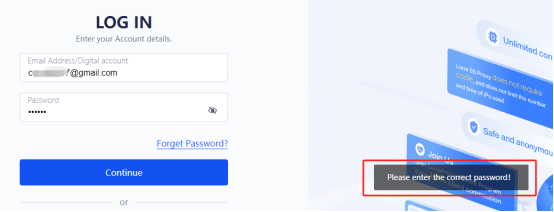
Sign-in failures are commonly related to account details, verification codes, browser state, or account security restrictions.
Key points
- Confirm the email and password and check letter case.
- Use password reset from the sign-in page if needed.
- Clear this site’s cookies and sign in again, or try another browser.
- If the account is restricted or verification email is missing, contact support with the registered email.
Note: Never provide your password or a complete verification code to anyone.
Screenshots