Generate API Extraction URL on the Residential Proxy page creates a URL for retrieving proxy connection details.
Key points
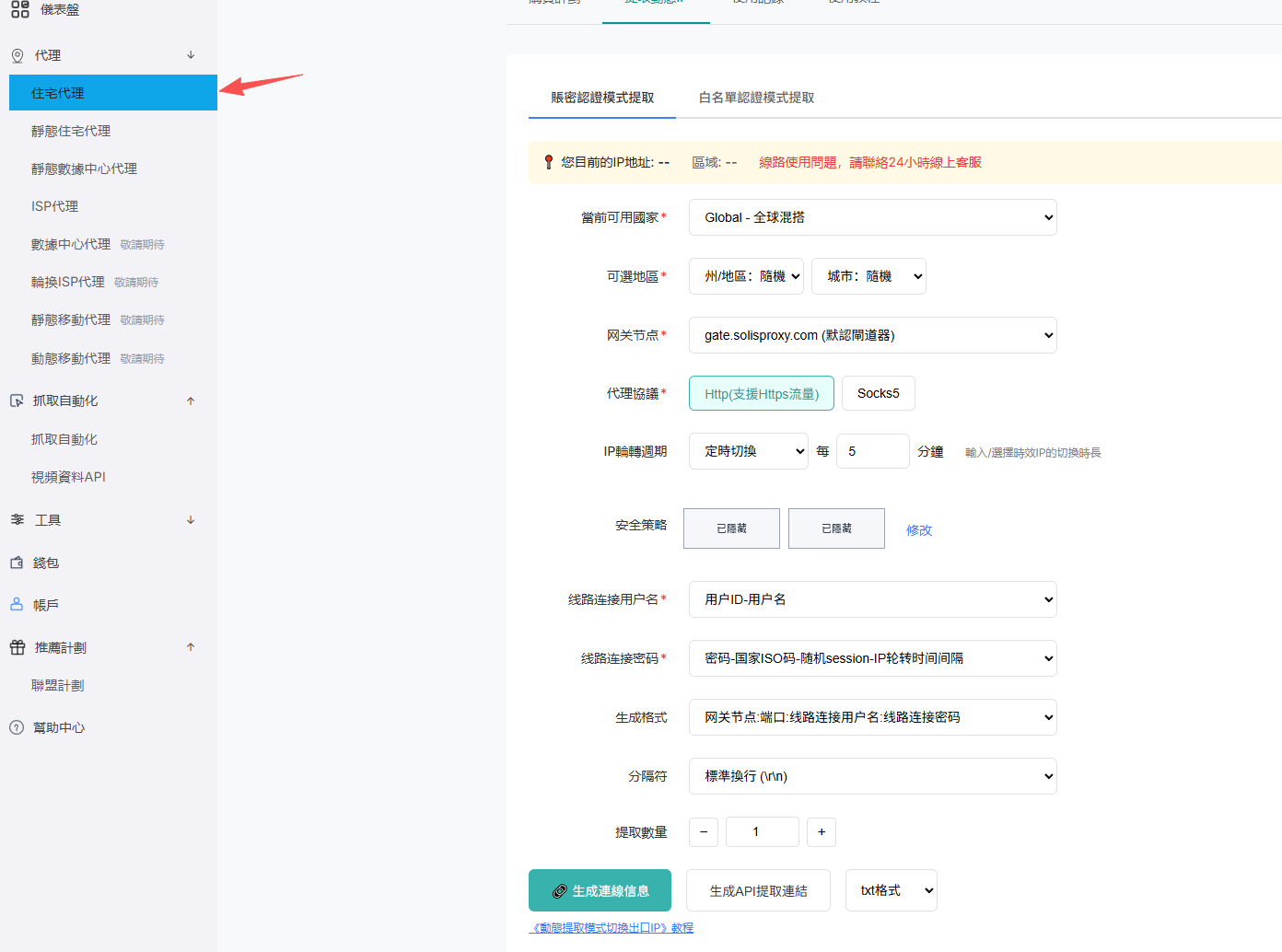
- Open Proxy > Residential Proxy in the user dashboard.
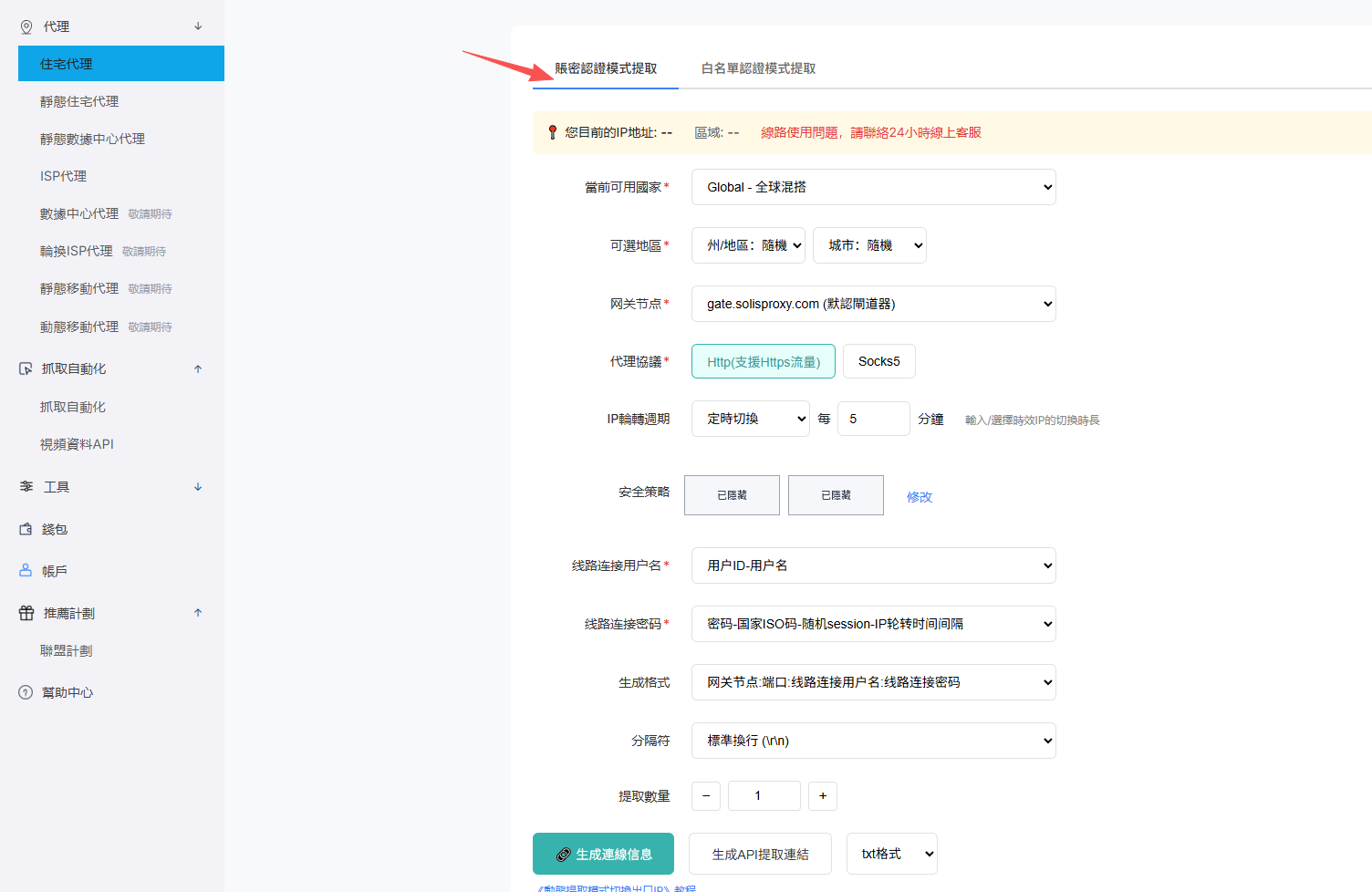
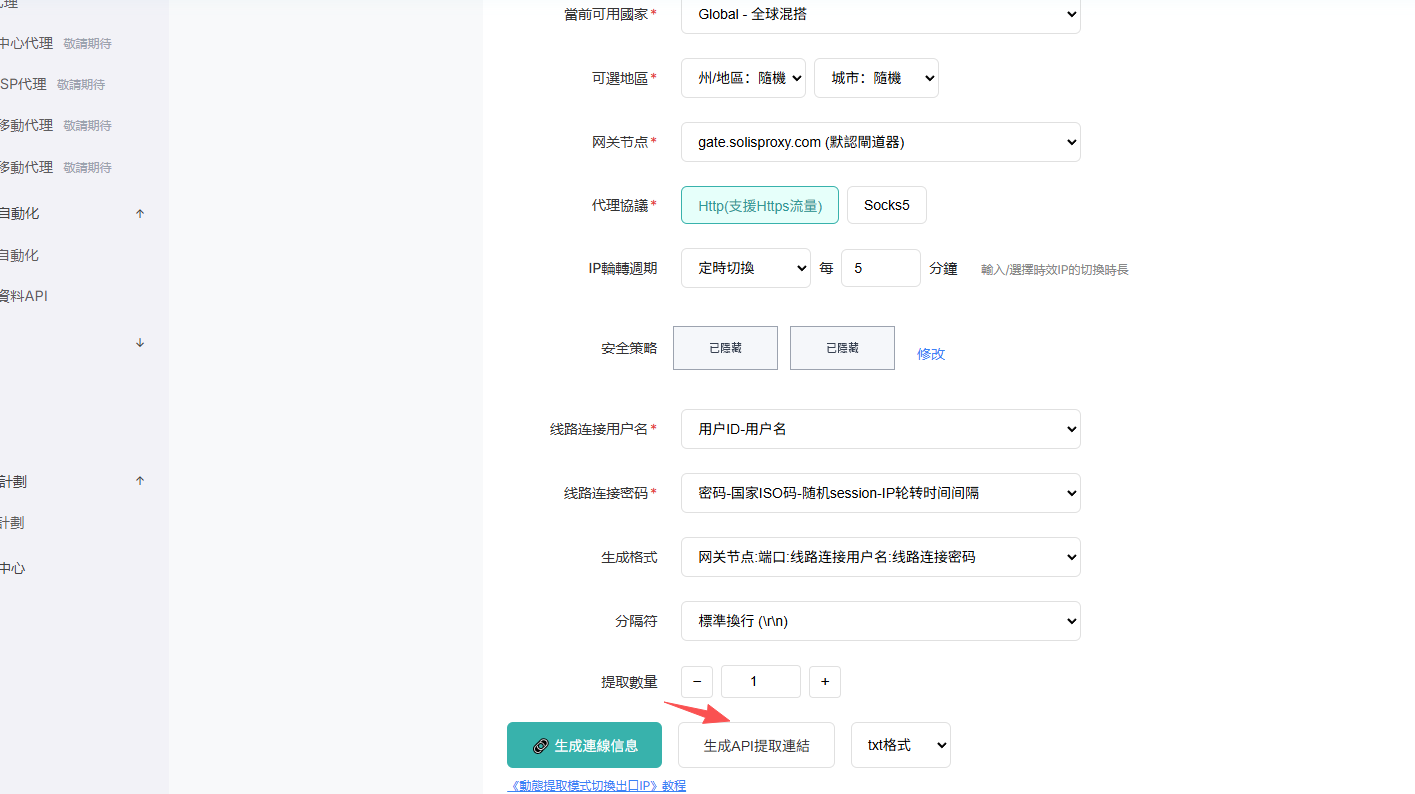
- Choose password or whitelist authentication and complete the location, protocol, rotation, format, and quantity settings.
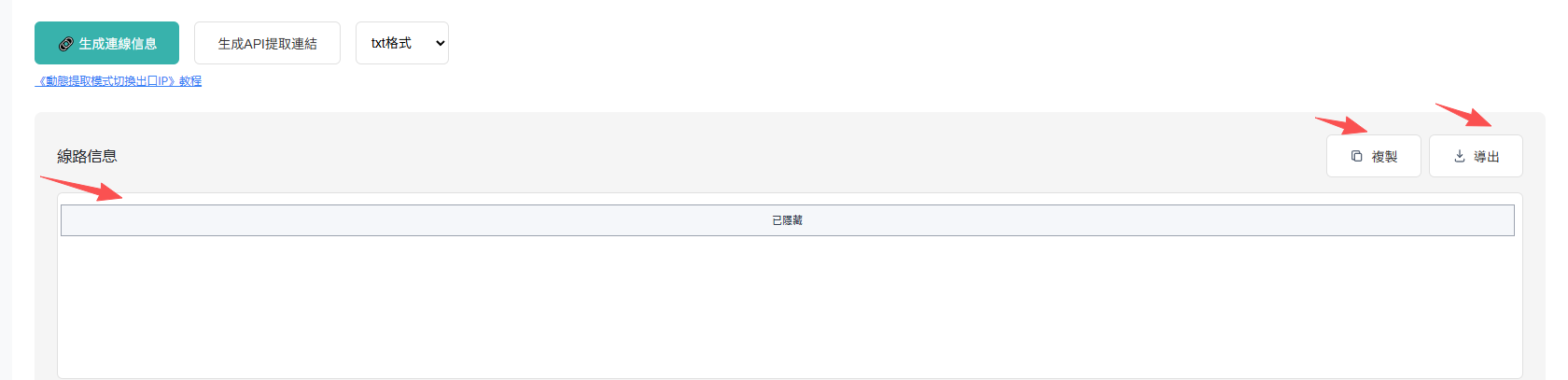
- Generate the API extraction URL and copy the complete URL.
- Request the URL from your application; the result follows the selected authentication mode and output format.
Note: Generating an API extraction URL does not add another authentication method.
Screenshots