Password extraction generates ready-to-use proxy connection details from the current routing and security settings.
Key points
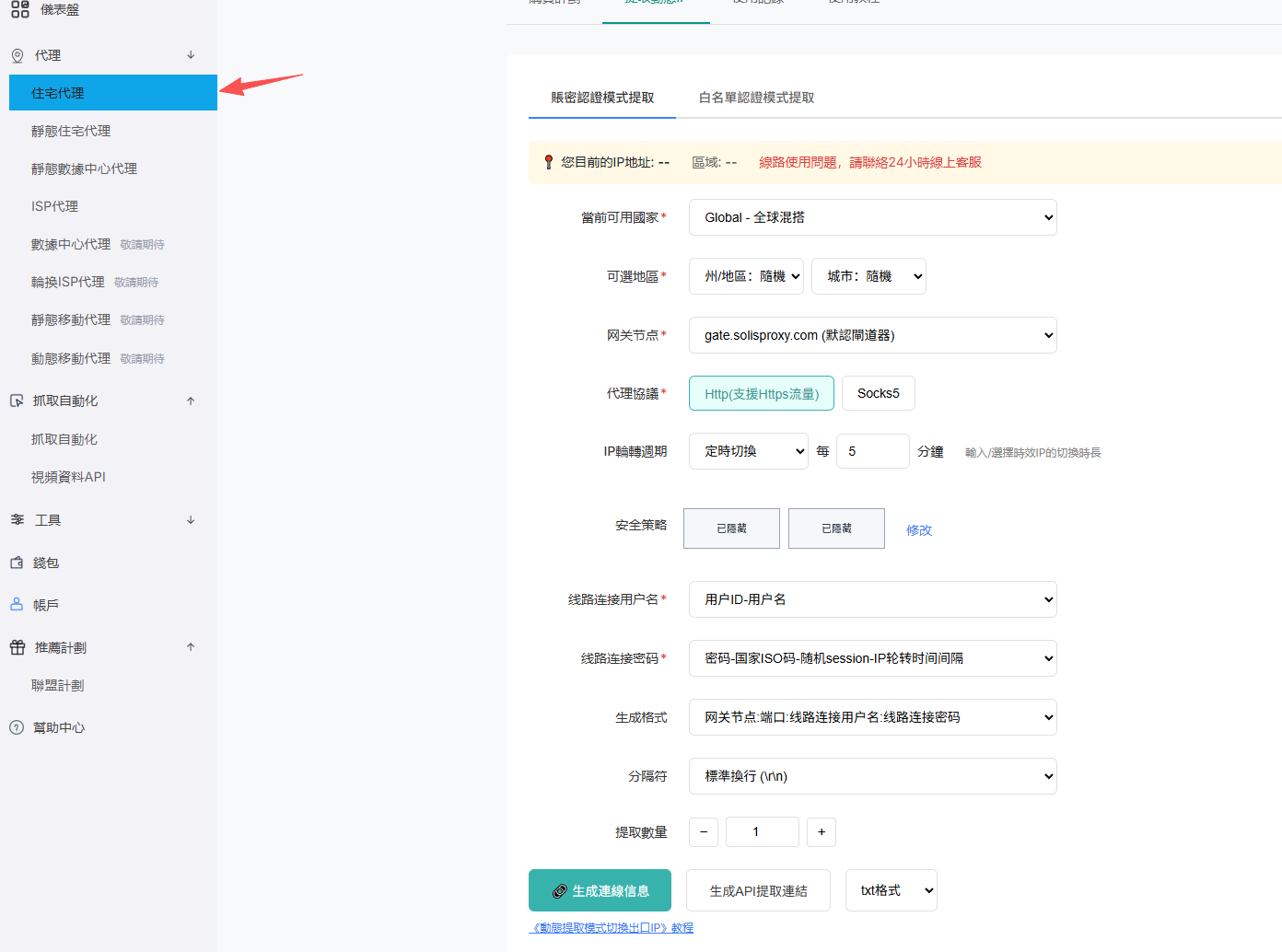
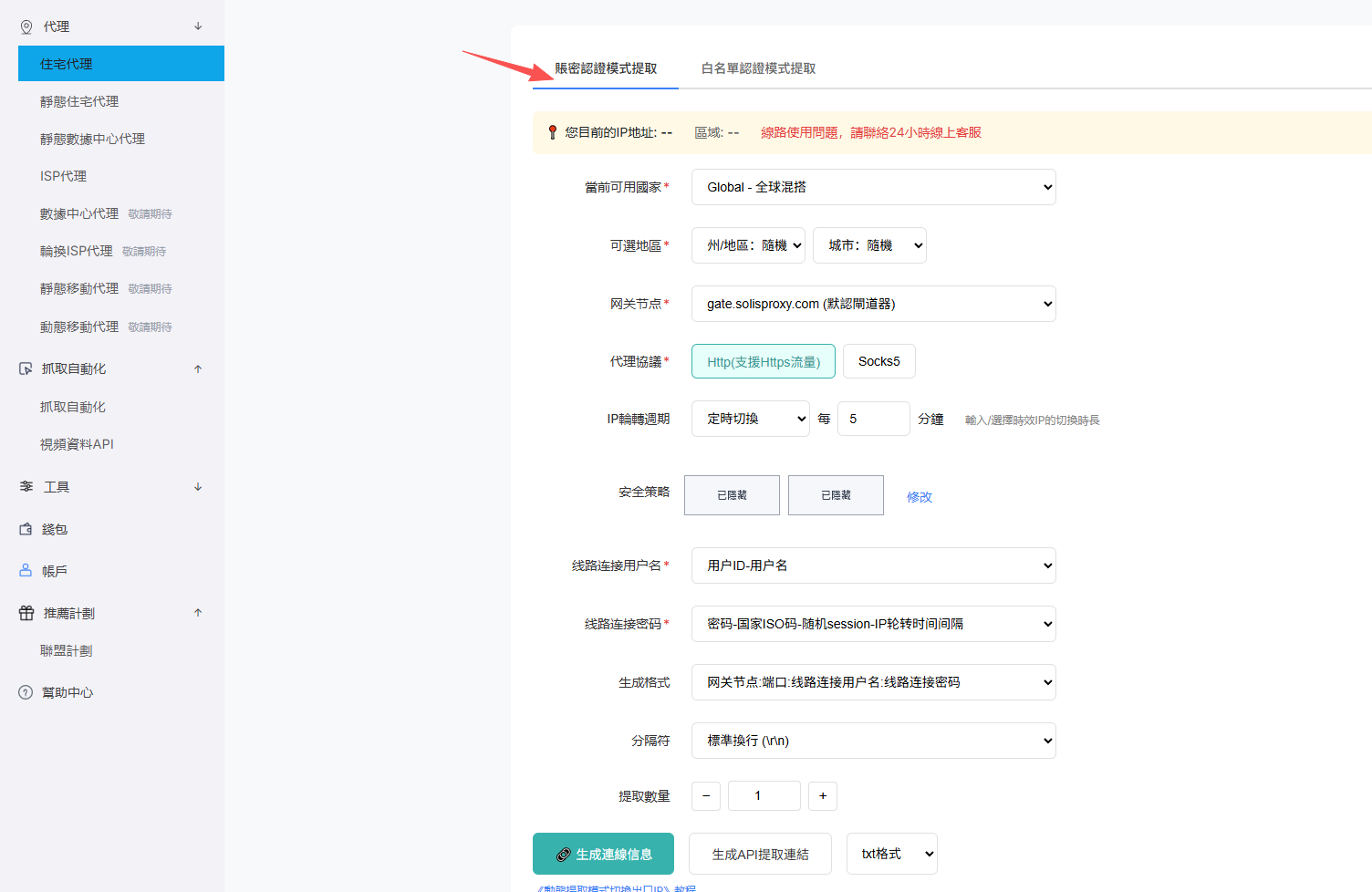
- Open Proxy > Residential Proxy and select Password Authentication.
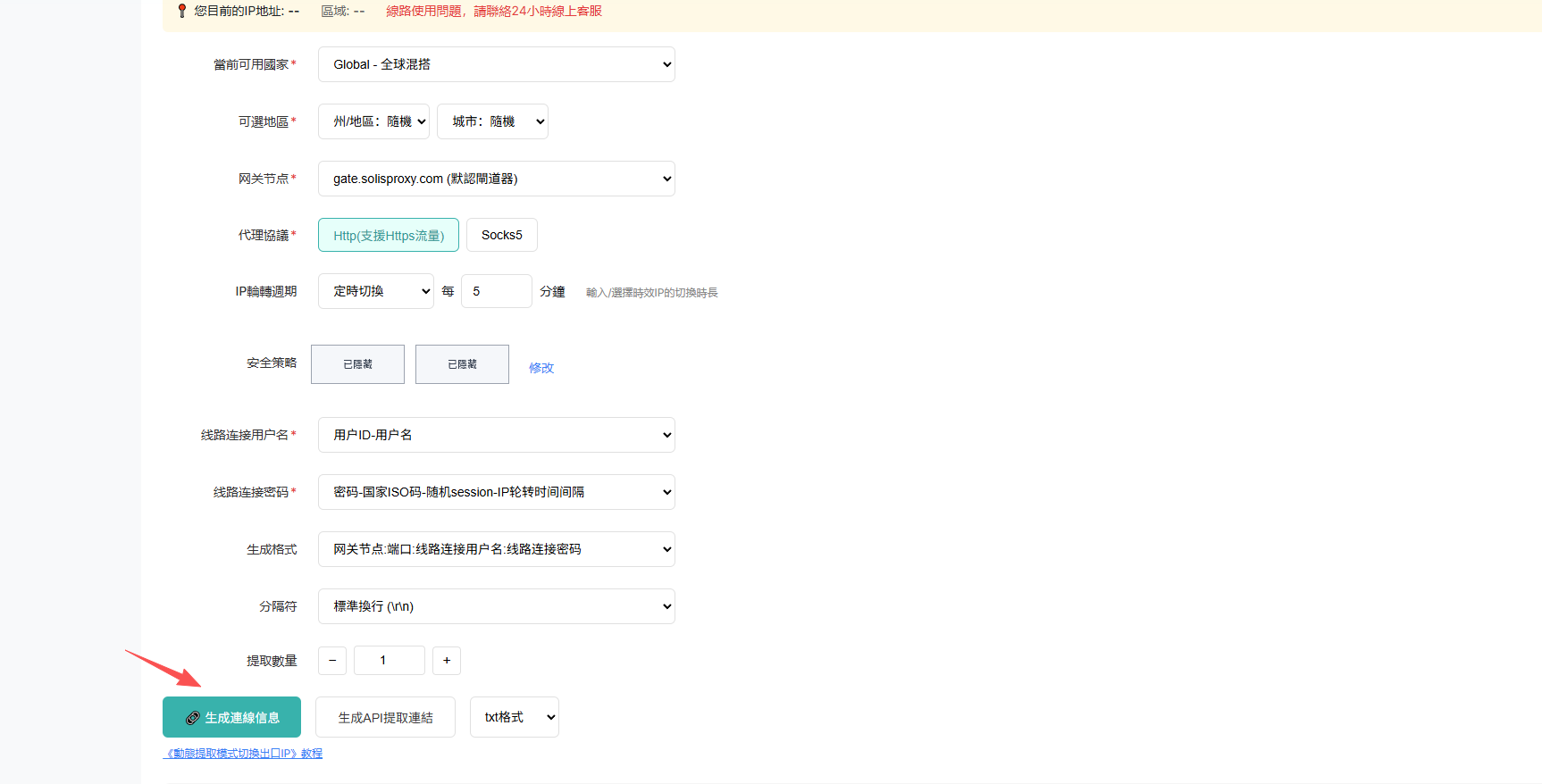
- Set the country, state or region, city, gateway, protocol, IP rotation, and connection parameters.
- Choose the output format, separator, and quantity, then generate the connection details.
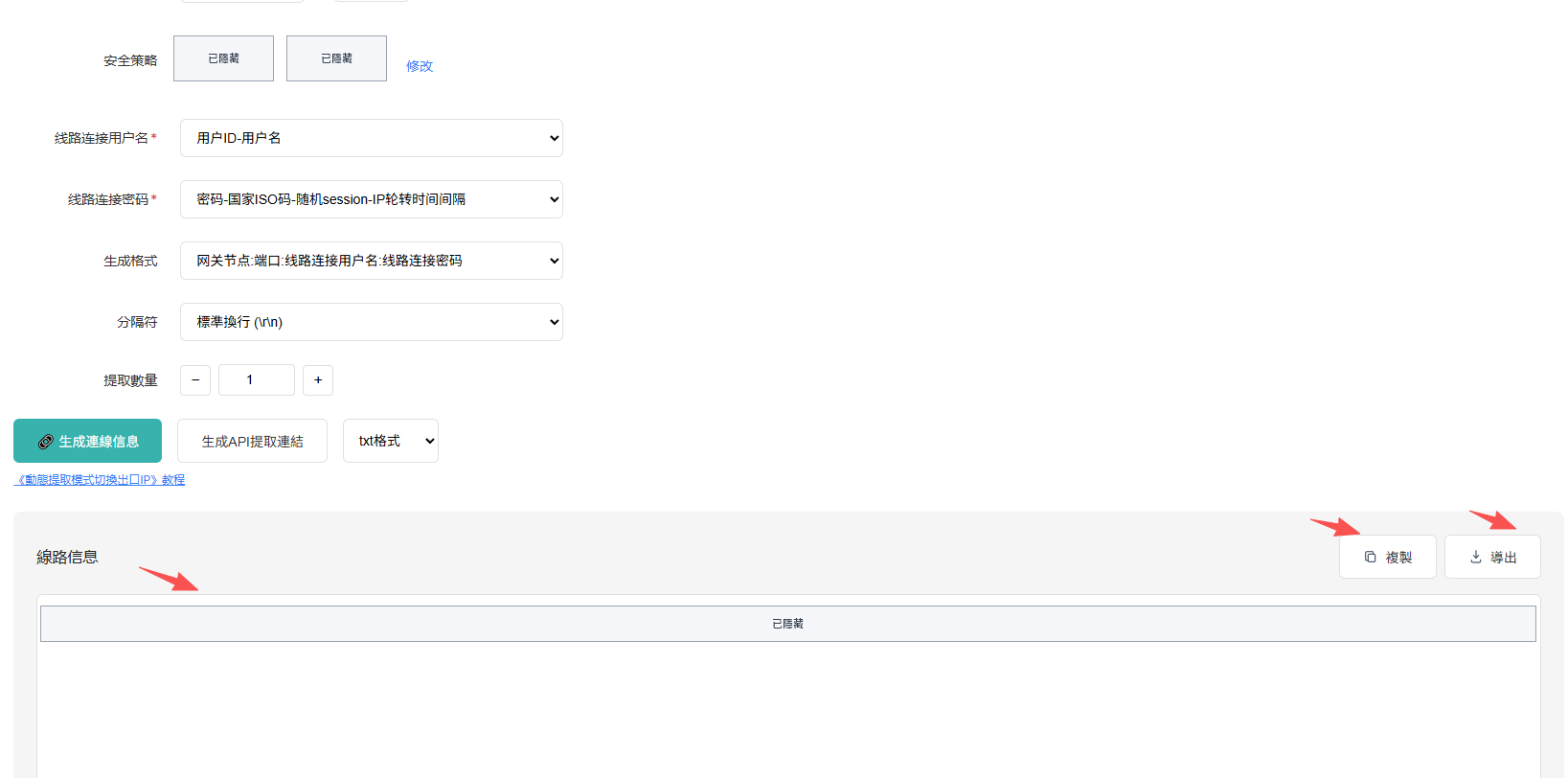
- Copy the result from Connection Information or export it in an available format.
Note: The generated result contains proxy usernames and passwords. Do not share it publicly.
Screenshots