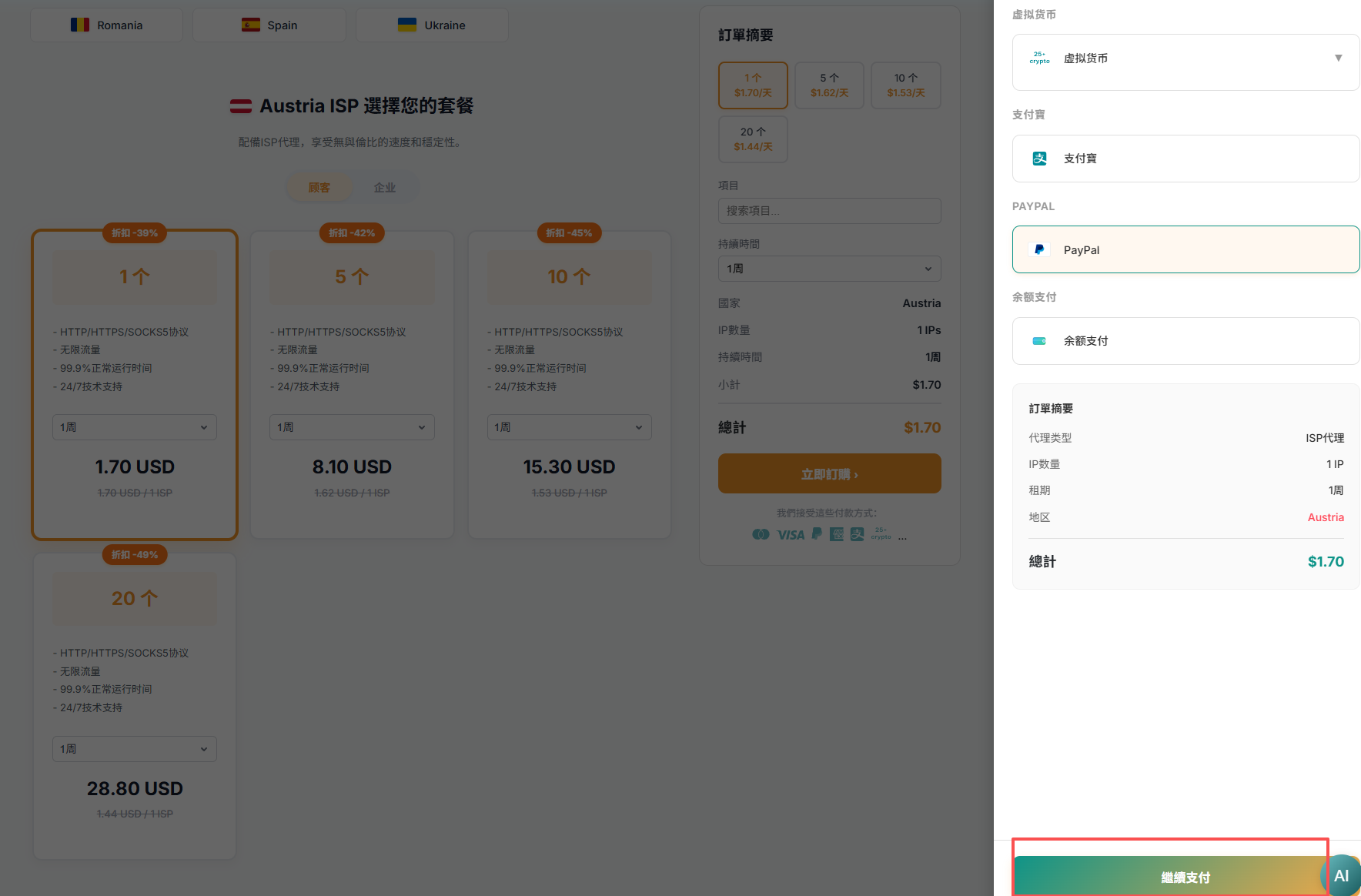
ISP proxy orders are submitted directly from the product purchase page without a shopping cart.
Key points
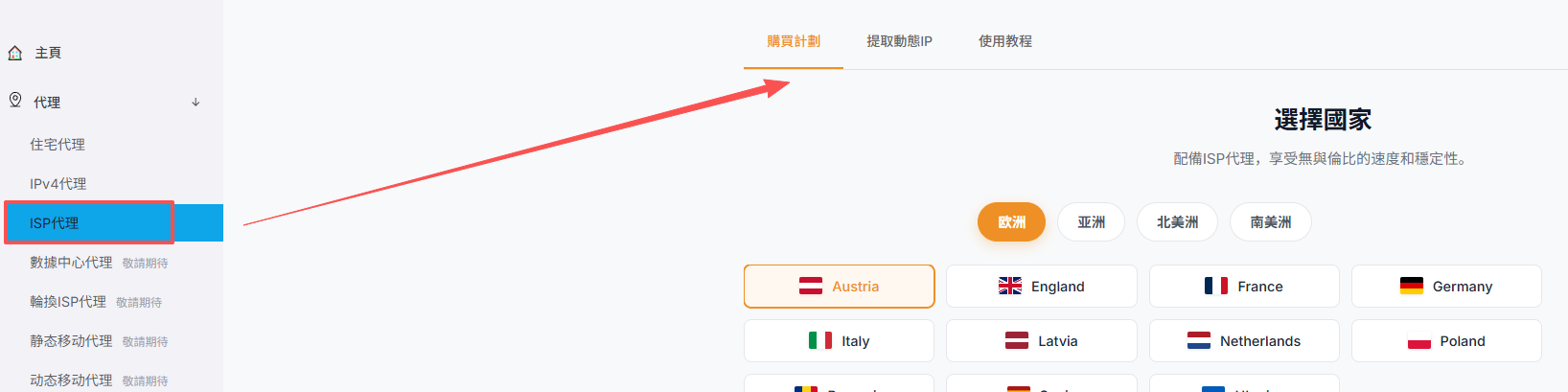
- Open the ISP proxy purchase page from the Proxy menu.
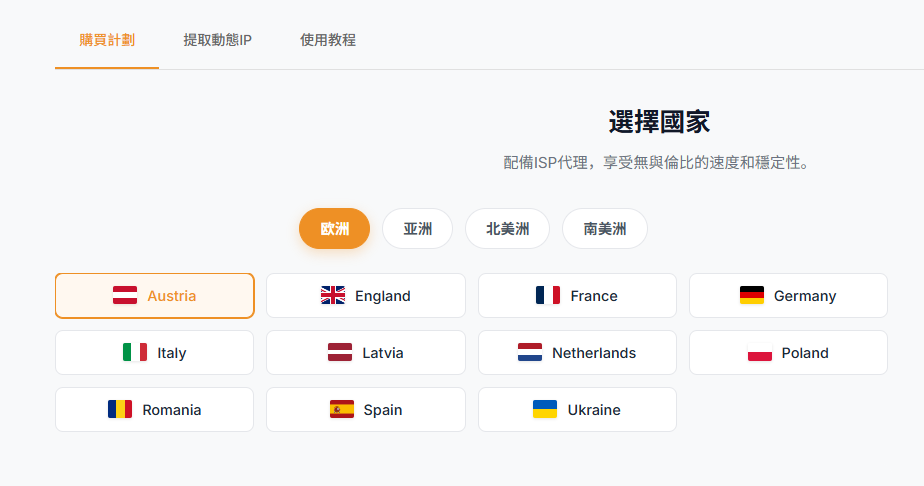
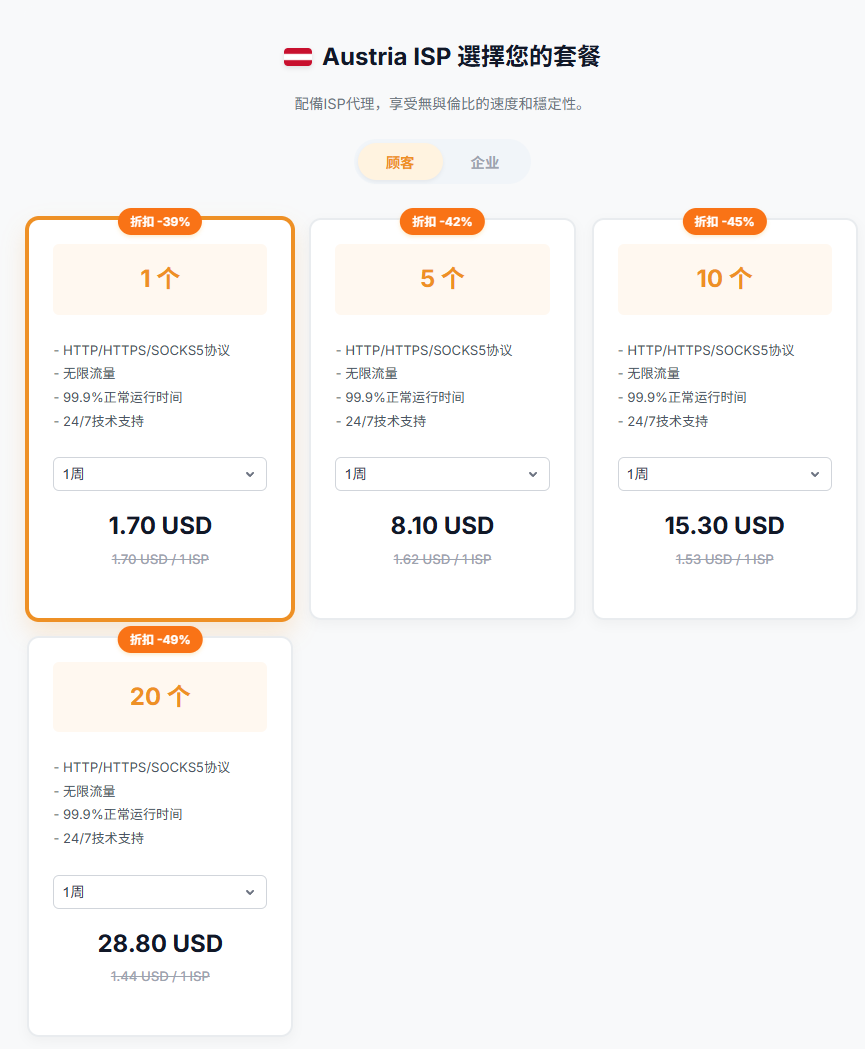
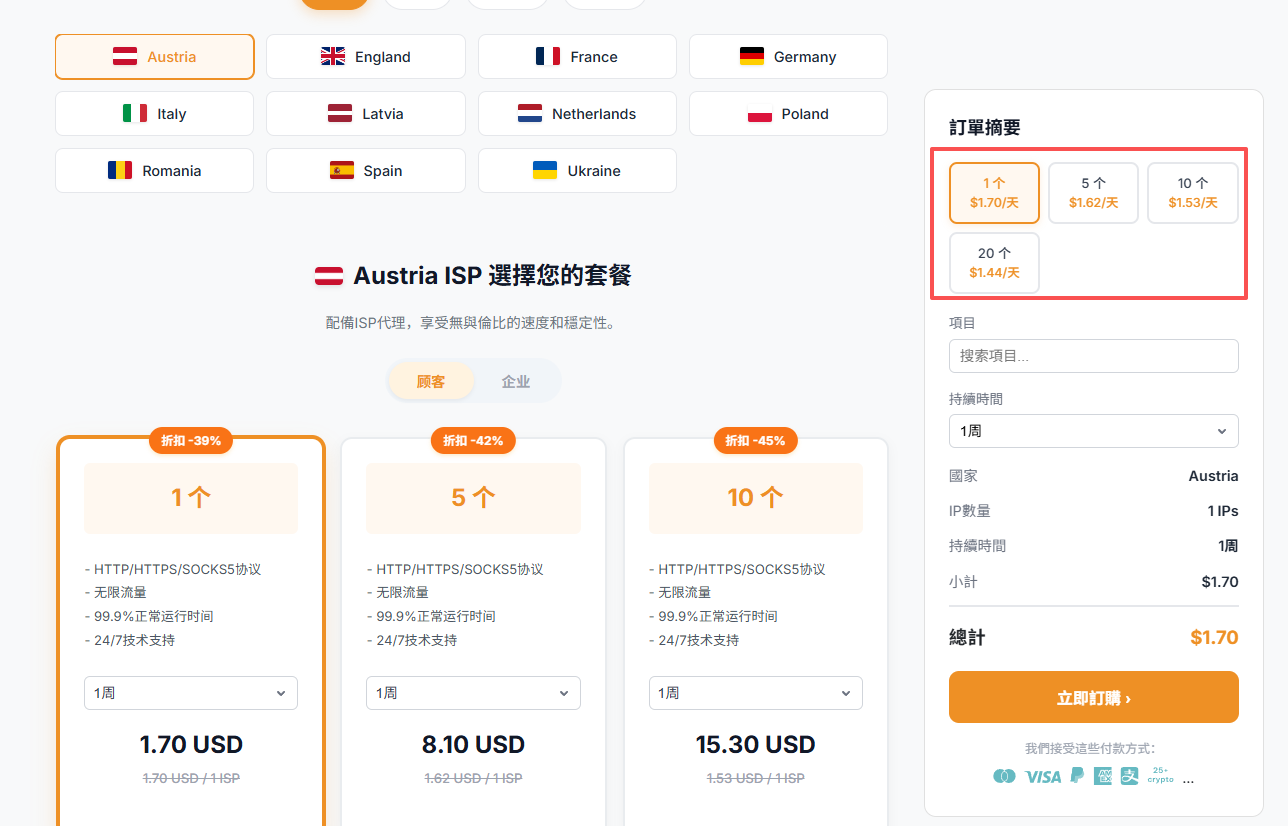
- Choose an available country or region, validity period, and quantity.
- Review the IP specifications and amount, submit the order, and use a payment method shown at checkout.
- After processing, obtain the connection details from the proxy list.
Note: Static IP plans cannot be returned or exchanged after purchase. Confirm the location, quantity, and validity period before submitting.
Screenshots